From a tag on the wall to proof on your screen
Wilco has two halves: an Android app your people carry, and a web dashboard your office opens in any browser. Here is what happens in between.
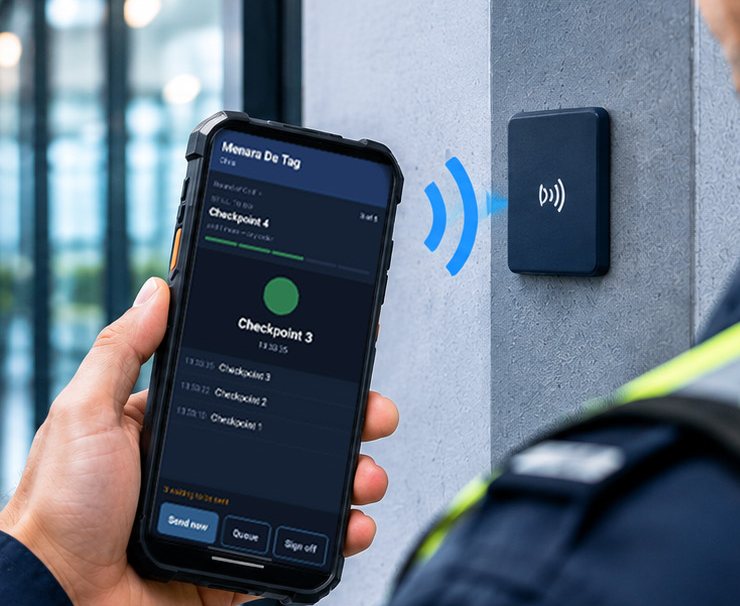
Tag the places that matter
We fix NFC tags where the work is done — gates, fire exits, plant rooms, washrooms, fridges, car park levels. Each tag gets a name, a description of where it is, and a photograph, so a new person can find it on their first night.
- Small, inexpensive tags — no wiring, no batteries
- A tap only counts when the phone is at the tag
- Each tag carries a name, where it is and a photograph
Set the rounds, timetables and checks
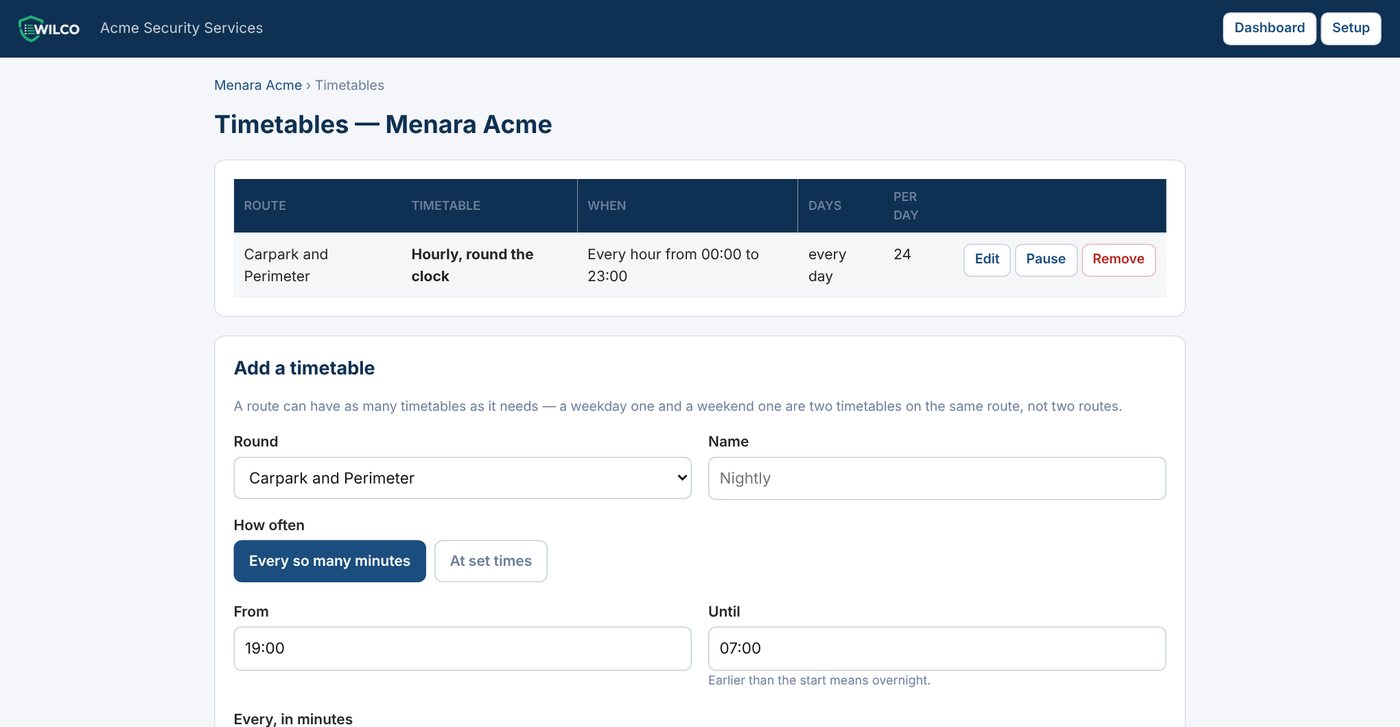
Everything is set up in your browser. Put tags into rounds, tell Wilco when each round is due, and add the checks to be answered at each tag.
- Every so many minutes, or at set times — overnight shifts included
- Different timetables for weekdays and weekends, and a Pause button for a closed site
- Checks asked every visit, or daily, weekly, monthly, quarterly or yearly
- Choose whether a photograph is not offered, optional or required
Your people tap and answer
The person signs on, sees the next tag on the round, taps it and answers any checks. The app shows what is still to do and what has been done.
- On a shared company phone, each person signs on with their own PIN
- A personal phone shows only its owner
- No signal? Everything is kept on the phone and sent as soon as it can be
- Big, simple screens designed for night shifts
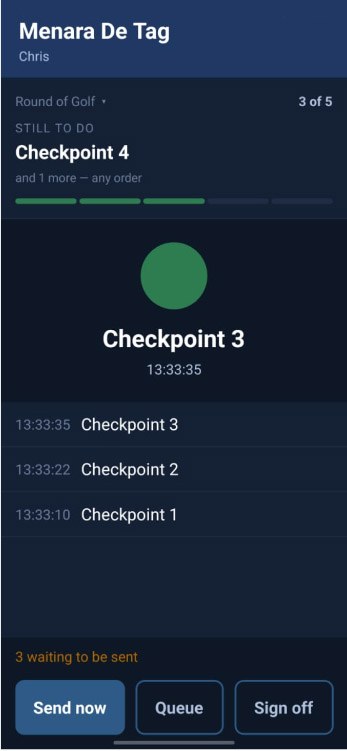
The Wilco app part-way through a round.
The office sees it — and every round is judged
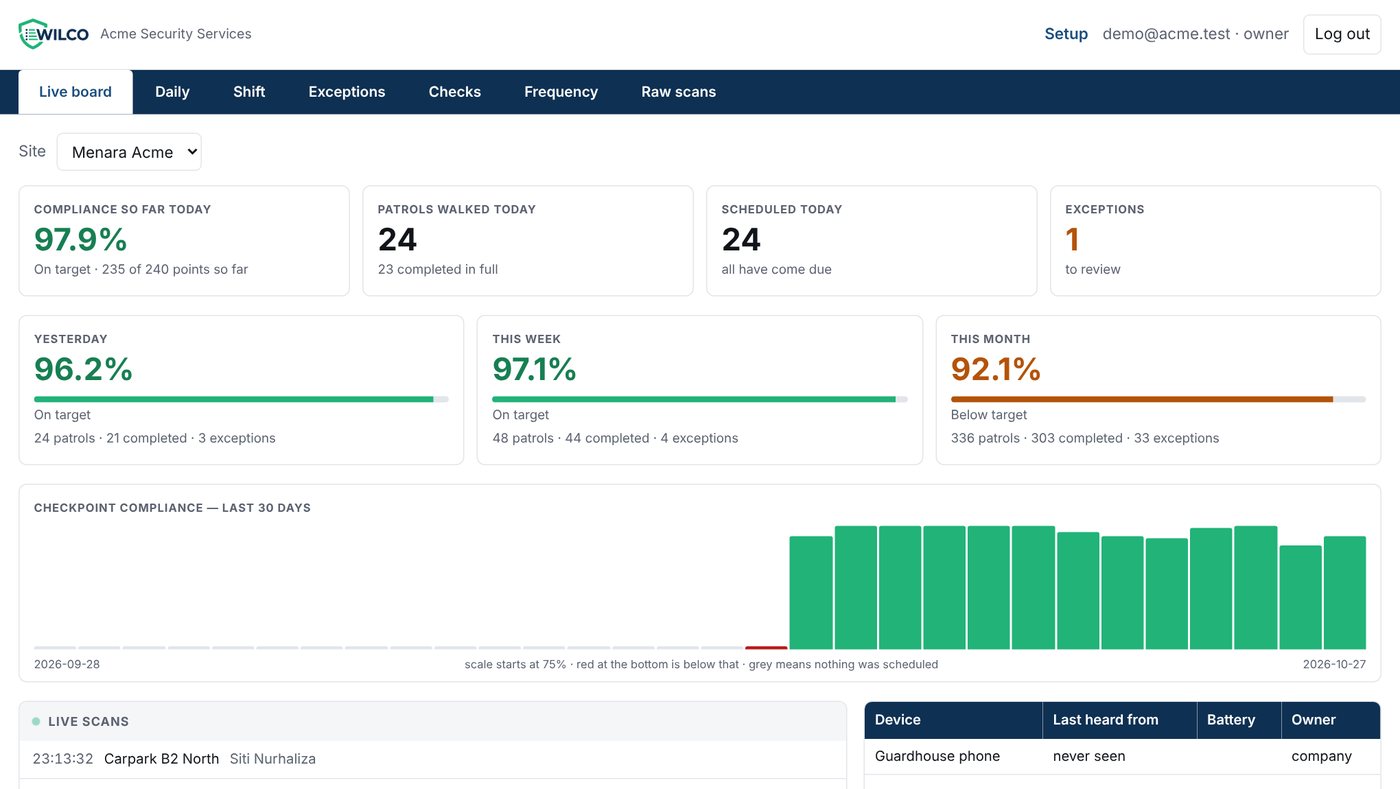
Each tap appears on the live board as it arrives. When a round’s time has passed, Wilco judges it against the timetable: on time, late, early, out of order or missed. Nobody has to add anything up.
- A round nobody walked is recorded as missed, automatically, every night
- Open a round to see each checkpoint and what was found there
- Add a memo and mark an exception reviewed
What happens when…
…there is no signal in the basement?
Nothing is lost. Taps, answers and photos are saved on the phone first and sent when it is back in range. The time recorded is the time of the tap, not the time it arrived.
…a round is missed?
It shows as missed on the dashboard and in the reports, naming the checkpoint that was not reached. If nobody walked the round at all, Wilco still records it — silence is not mistaken for a quiet night.
…a phone is lost or broken?
Cut it off from your browser and it can no longer send anything. Set up a replacement with a one-time code; the tags, rounds and history are all still there.
…a new person joins?
Add them in your browser and choose which sites they work at. Their name appears on those sites’ phones at the next refresh.
What you need
Android phones with NFC
Your own company phones, staff phones, or a rugged handset we supply.
NFC tags
Supplied by De Tag and fixed at your checkpoints.
A web browser
For the office. Nothing to install on your computers.
Mobile data
On the phones — they keep working without it and send when they can.
See Wilco working on a building like yours.
We will walk a round with a phone, show you the live board and open the reports — in about twenty minutes.